This article corresponds to QR Code KIT's modern app. For more information, click here.
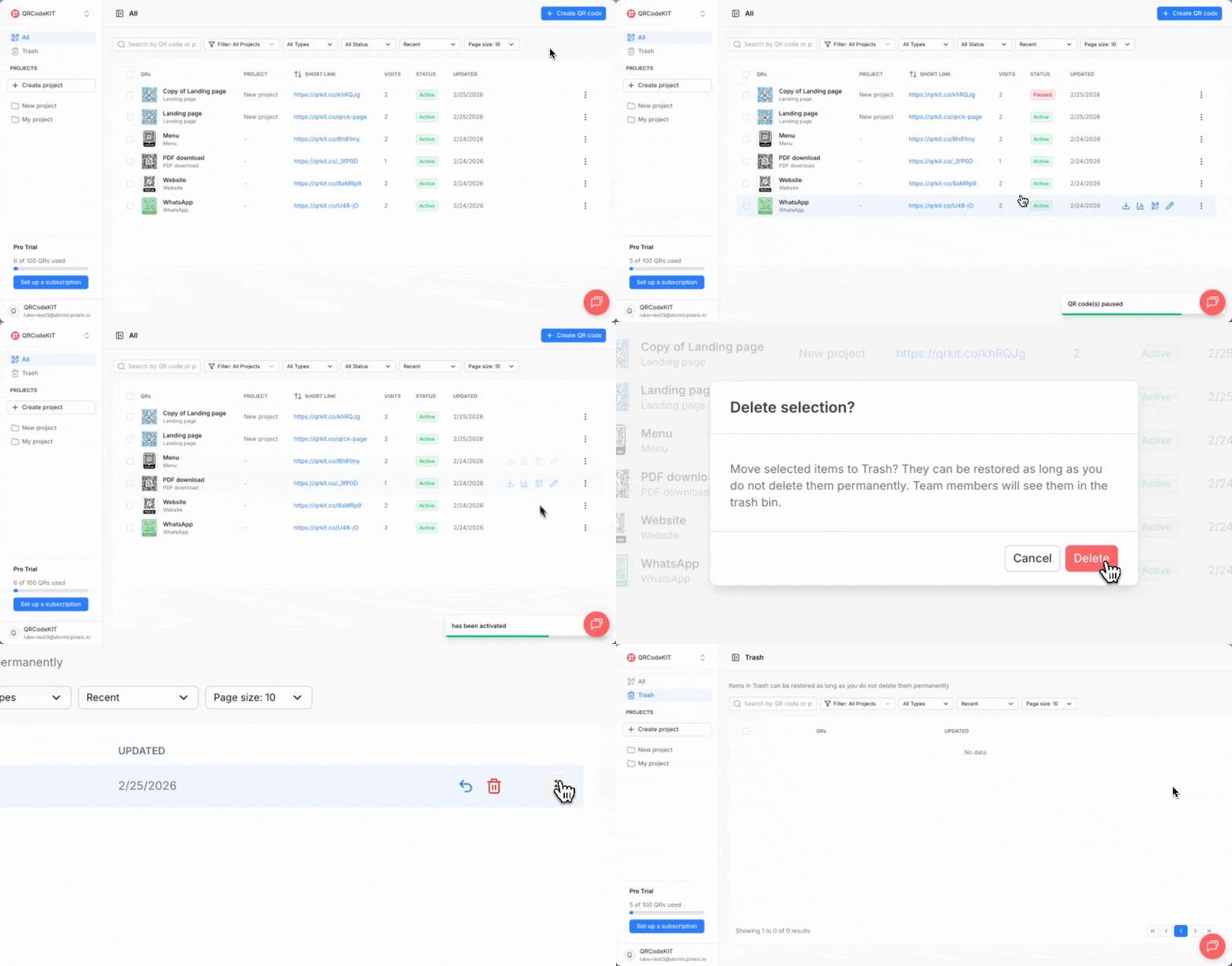
If you want to pause a QR code, click its three-dot menu and click Pause. The QR code's STATUS label will change from Active to Paused and it will not redirect to the target content or collect visits.
If you want to reactivate it, click its three-dot menu and click Activate.
If you want to delete a QR code, click its three-dot menu and click Delete. It will be moved to the Trash section. There you can Restore or Delete permanently from the QR code's three-dot menu.