
This article corresponds to QR Code KIT's legacy app. For more information, click here.
Log in to your account, or register here if you do not have one, and follow these steps:
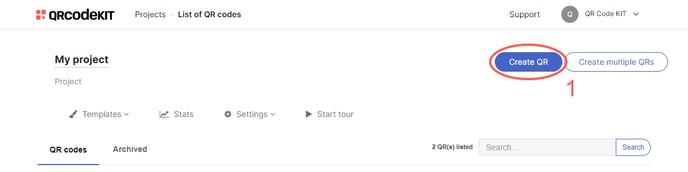
1) Click Create QR
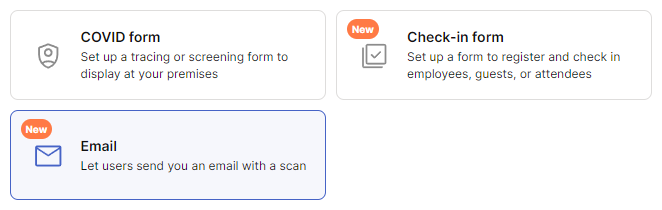
2) Select Email
 3)
3)
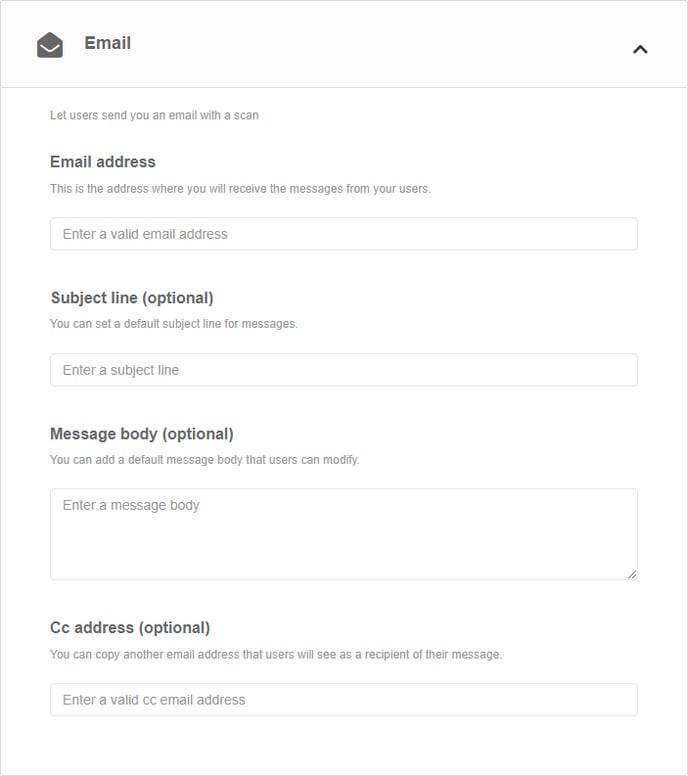
Enter the email address where you will receive the messages from your users. You can also enter a subject line and a message body
4) Click Save to apply changes or Save and download to download the QR Code
Done!
If you want to know how to customize the QR Code or how to download it, check the following articles: