This article corresponds to QR Code KIT's legacy app. For more information, click here.
If you have subscribed to the PROFESSIONAL or ENTERPRISE plan, you can create projects that work like folders to organize your QR Codes.
NOTE: You can also use the white-label URL masking feature to assign your domain to a project. If you want to know how to use this feature, click here. We recommend you do this first.
Log in to your account and follow these steps to create a project:
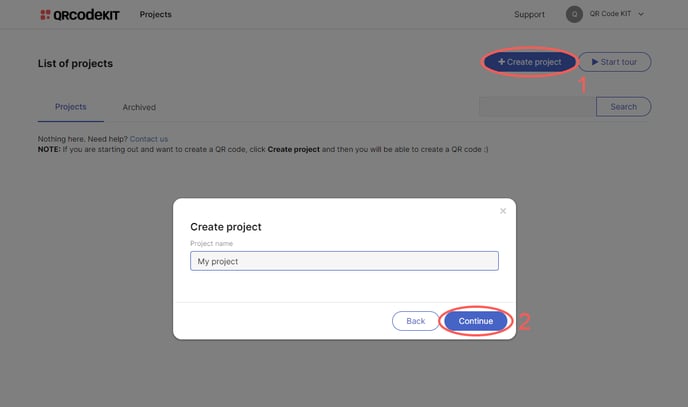
1) Click Create project
2) Name your project and click Continue
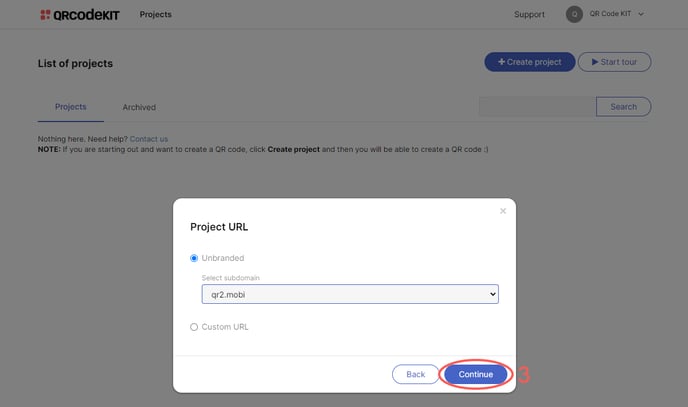
3) Select a subdomain from the dropdown menu and click Continue