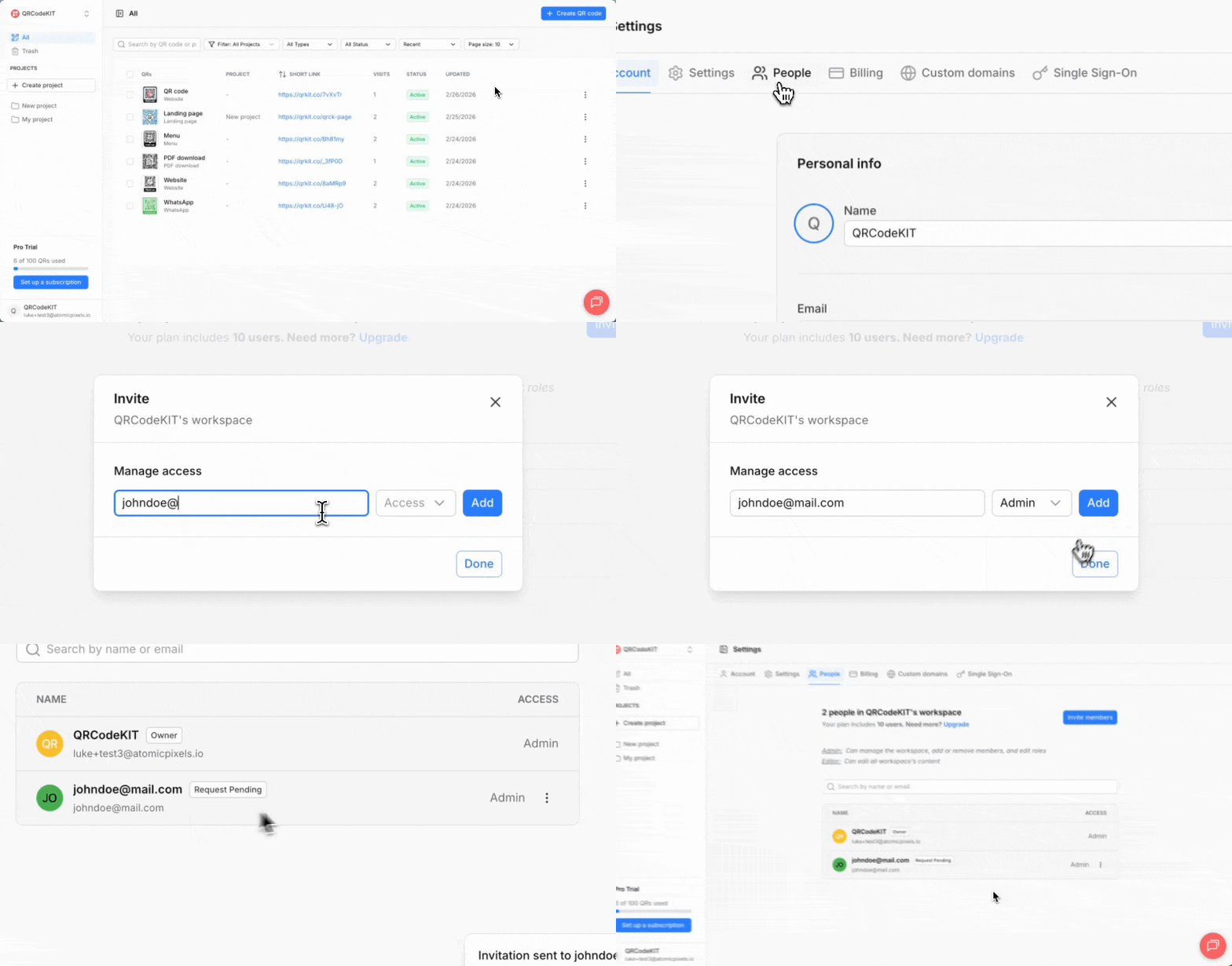
From your dashboard, click your user name in the bottom of the sidebar, click Account, click People and click Invite members.
Enter the email of the invited user, select its role (Admin or Editor), click Add and click Done. The invited user will receive an email to accept the invitation.
You can change the invited user's role or revoke its access.