This article corresponds to QR Code KIT's modern app. For more information, click here.
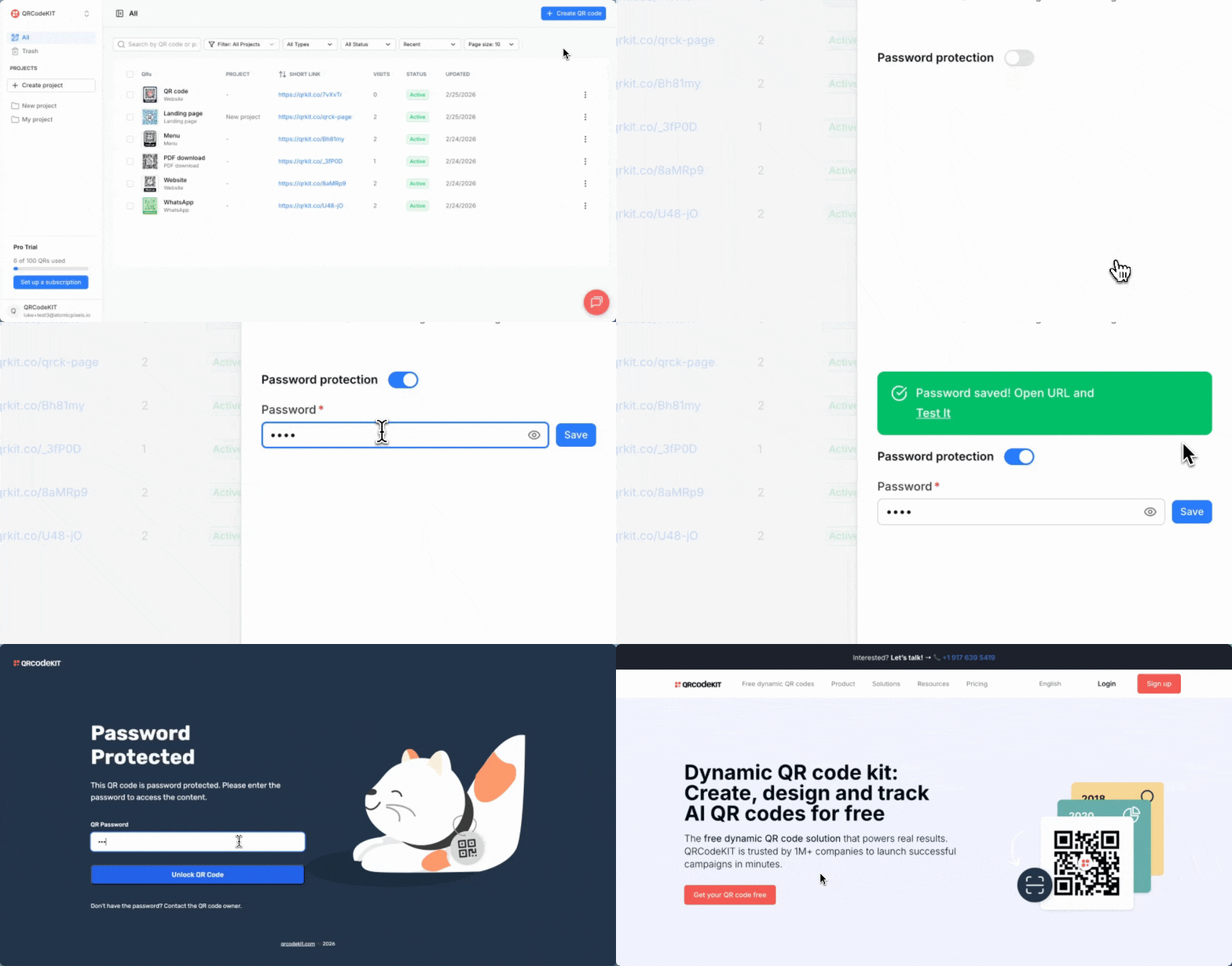
From your dashboard, click the QR code's three-dot menu and click QR settings.
Enable Password protection, enter a password and click Save.

This article corresponds to QR Code KIT's modern app. For more information, click here.
From your dashboard, click the QR code's three-dot menu and click QR settings.
Enable Password protection, enter a password and click Save.